Every opening is an investment, not a bet. Decide which markets to take the brand to, split territories between your franchisees so they don't clash, and open your next unit knowing whether it overlaps the ones you already have.
Free, no card needed: the map, the residents of each area and the country view. Territories and NovaScore from Pro; routes from Advanced.
Choosing markets, selling territories that don't overlap, opening without cannibalisation, documenting each territory and visiting the network: the whole journey, in one place.
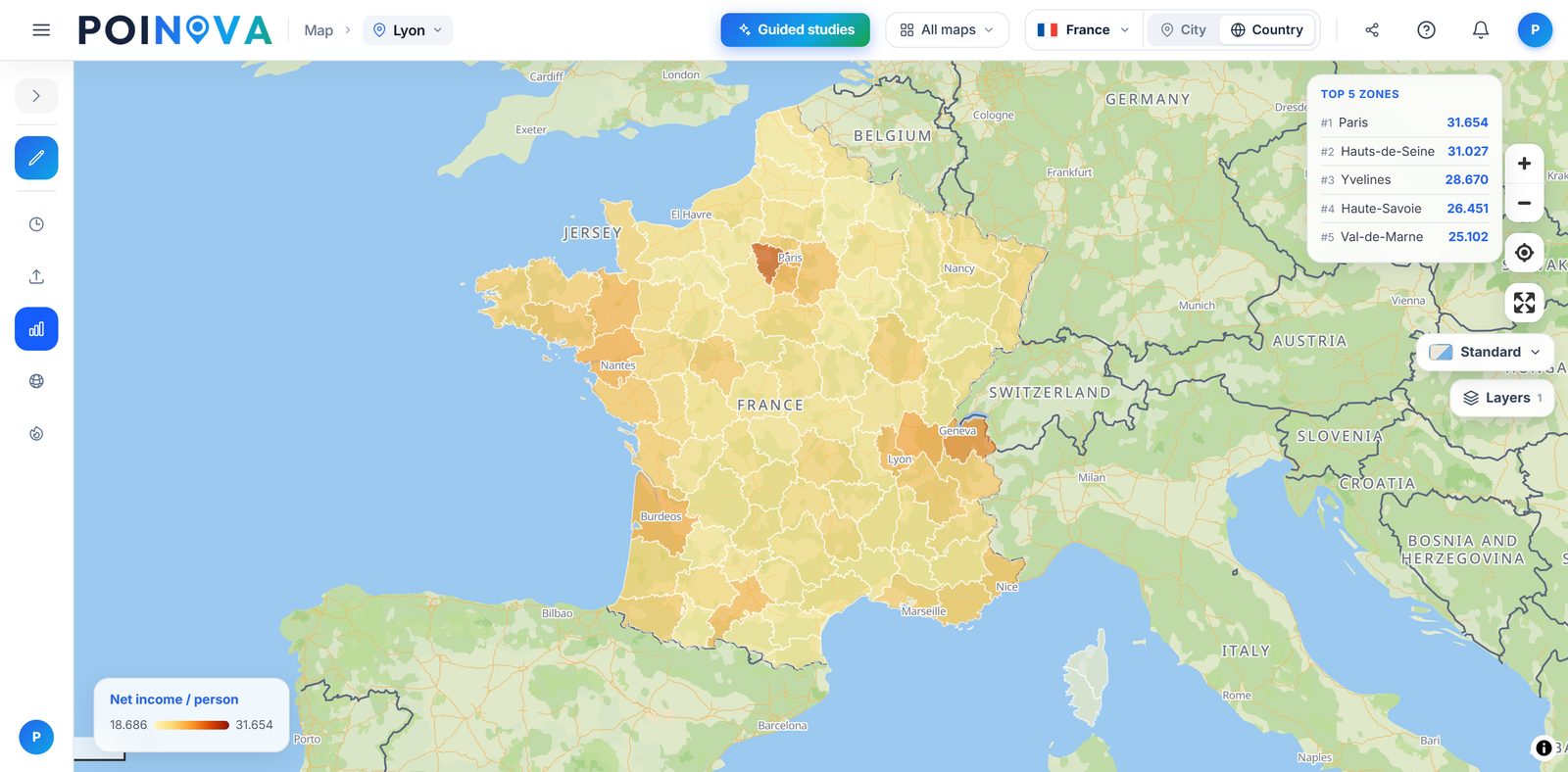
We colour the whole country by region, province or municipality using the figure you choose, with a ranking of the top areas, so you can decide which regions to take the brand to first. On the free plan you can colour it by population, density, income or the share of young and older people. On the Pro plan you can also choose from more indicators.
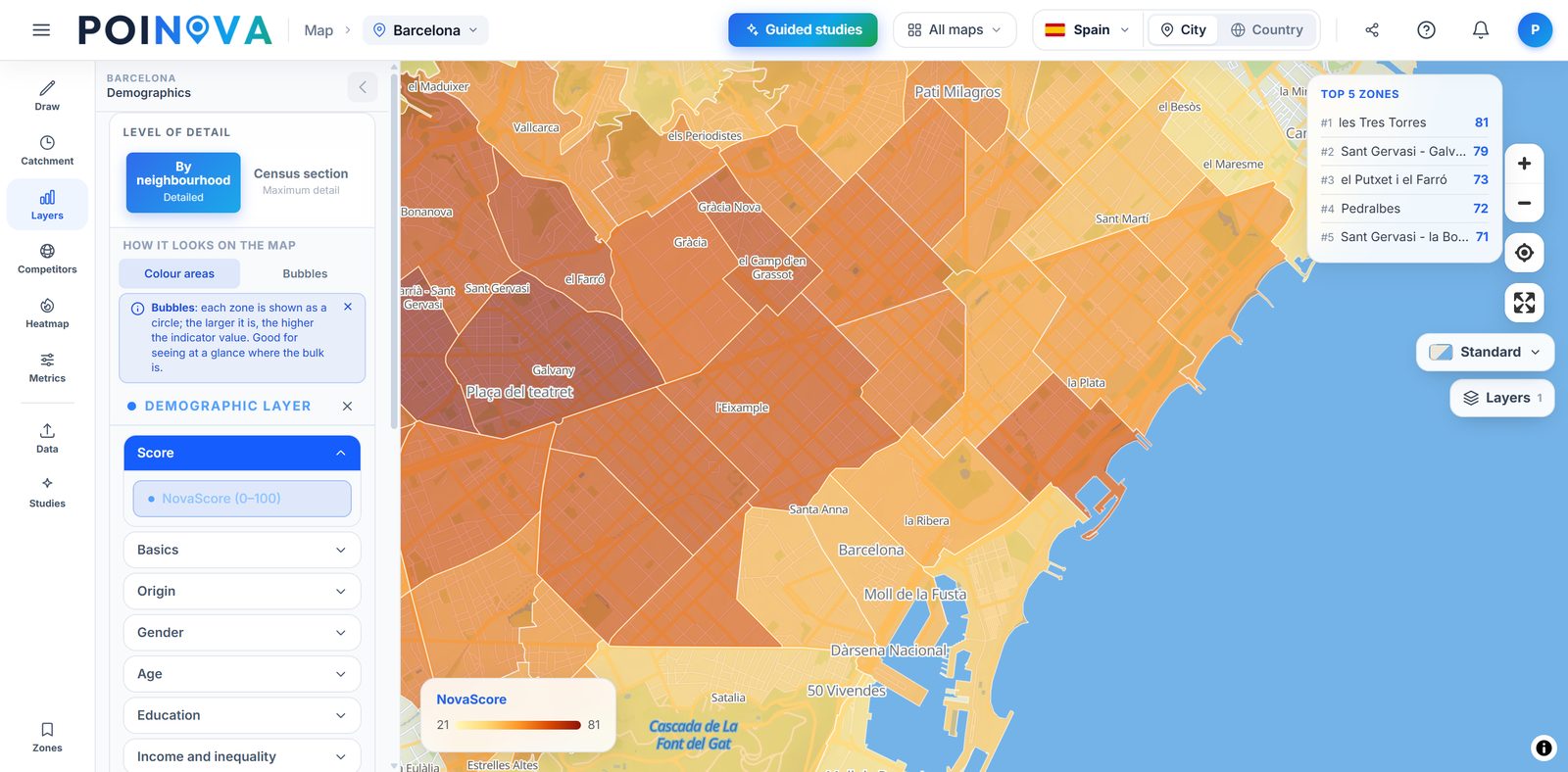
We colour neighbourhoods by NovaScore, a 0 to 100 score for the conditions each area offers, and with the “Open a new business” guided study we rank them for your type of business, with the reasons for each one. That way you rank the markets in your expansion plan with the same yardstick. On the Advanced plan you can also upload your best units and we rank the neighbourhoods that most resemble them.
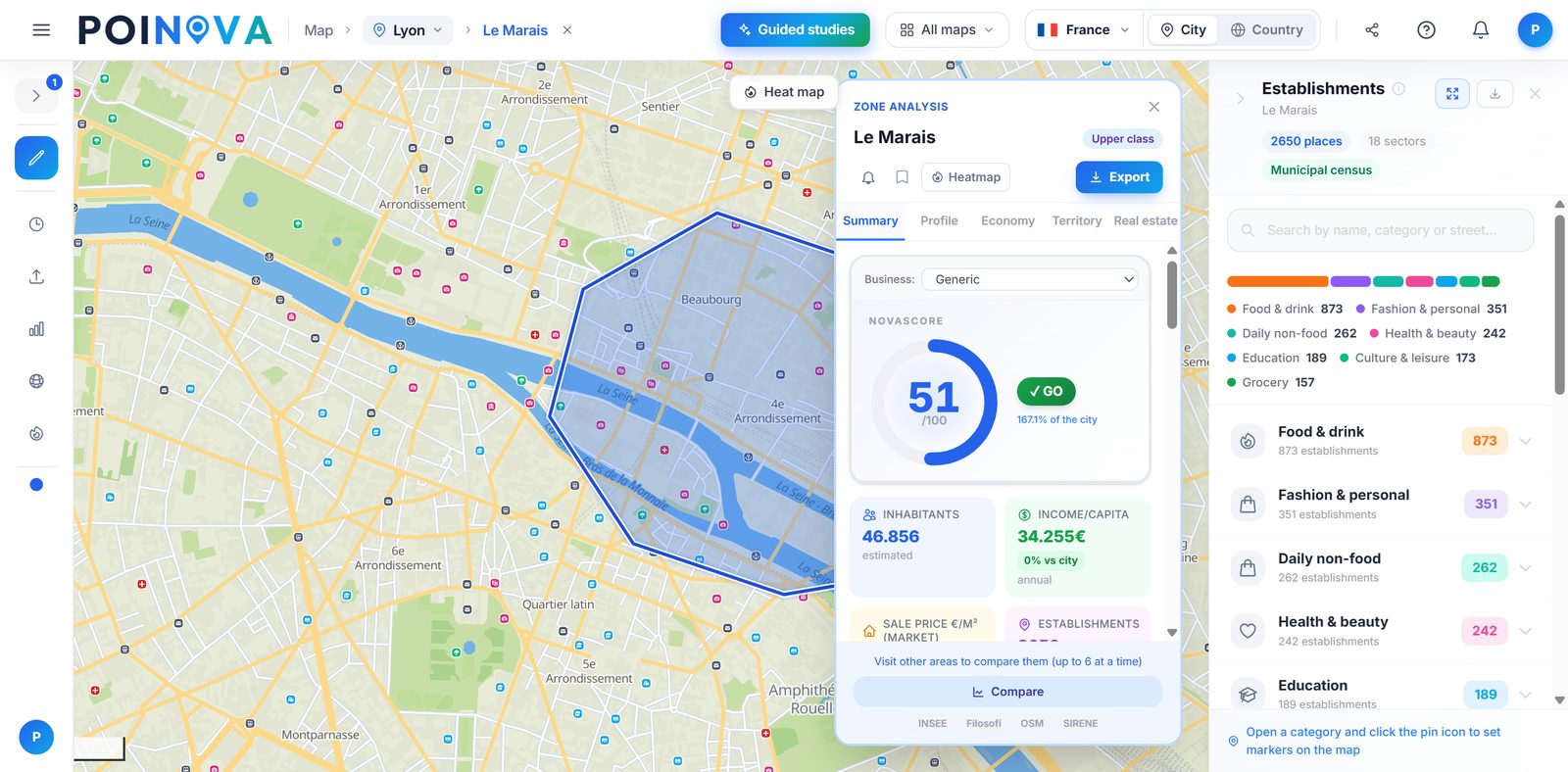
Pick a neighbourhood or draw the territory and see for free how many people live there, their income and the share of young and older people. On the Pro plan you add 60+ indicators, the competing businesses inside it and the NovaScore, so you can show your prospective franchisee an accurate picture of the territory you are offering.
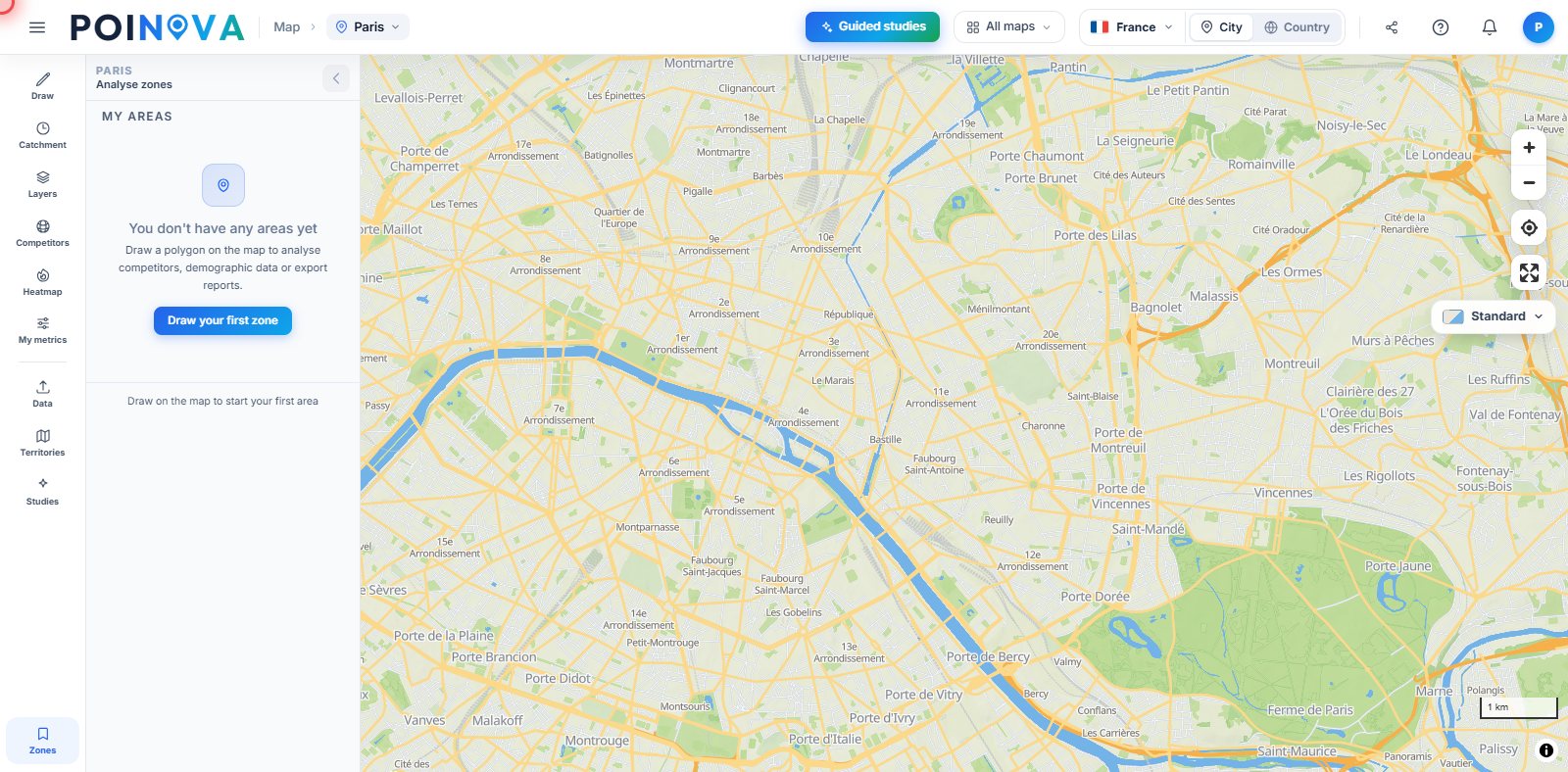
Divide an area, a whole country or your locations into territories balanced by population, surface area or number of units, one per franchisee, or draw them by hand. Mark each one as available, in negotiation or sold and, if you split by postcode where the country publishes them, download each territory's postcodes in Excel, ready for the contract.
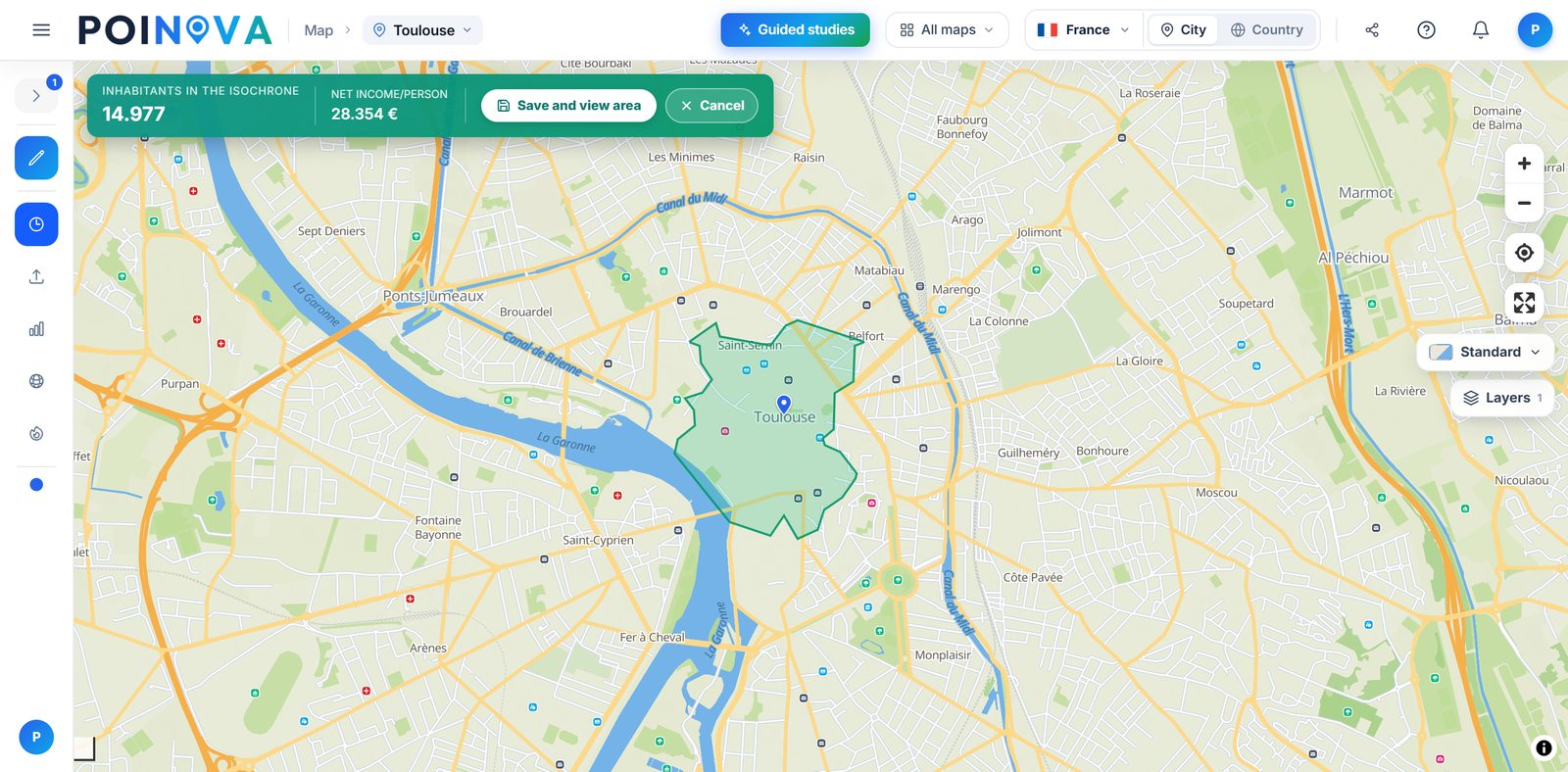
Upload your units and we draw the area each one covers on foot, by bike or by car, shade in red where two of them reach the same people and tell you how many overlap and what share of your audience they compete for. On the Advanced plan, the “Second premises without cannibalisation” guided study also starts from one of your units and a minimum distance, and suggests the neighbourhoods that most resemble its own, far enough away not to take its customers.
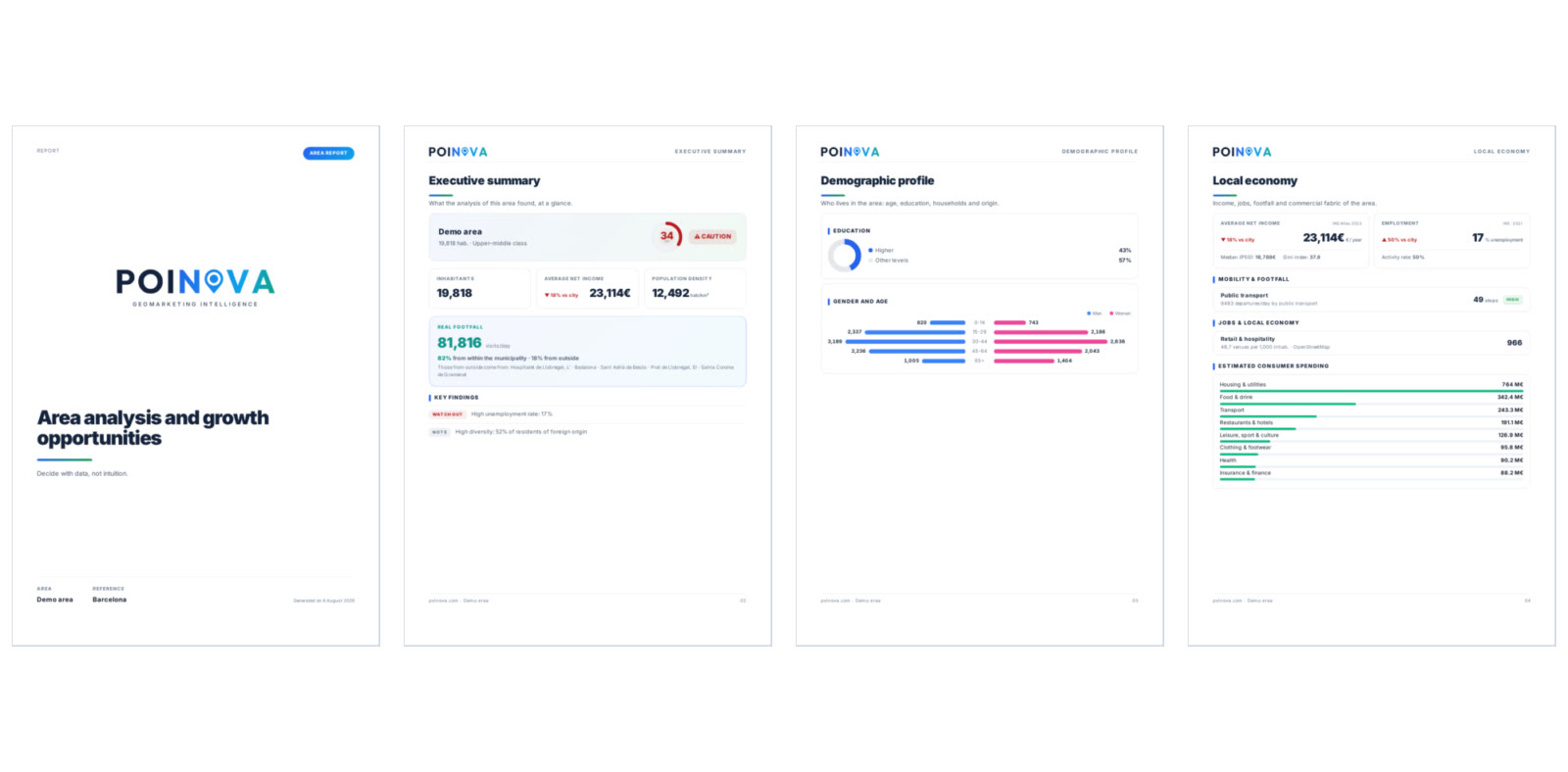
Download the PDF report for an area or a territory, with its population, income and local economy, plus its data in Excel, for your committee or for a prospective franchisee. You can show them the map through a read-only link. On the Enterprise plan, area and guided study PDF reports also carry your logo and colours.
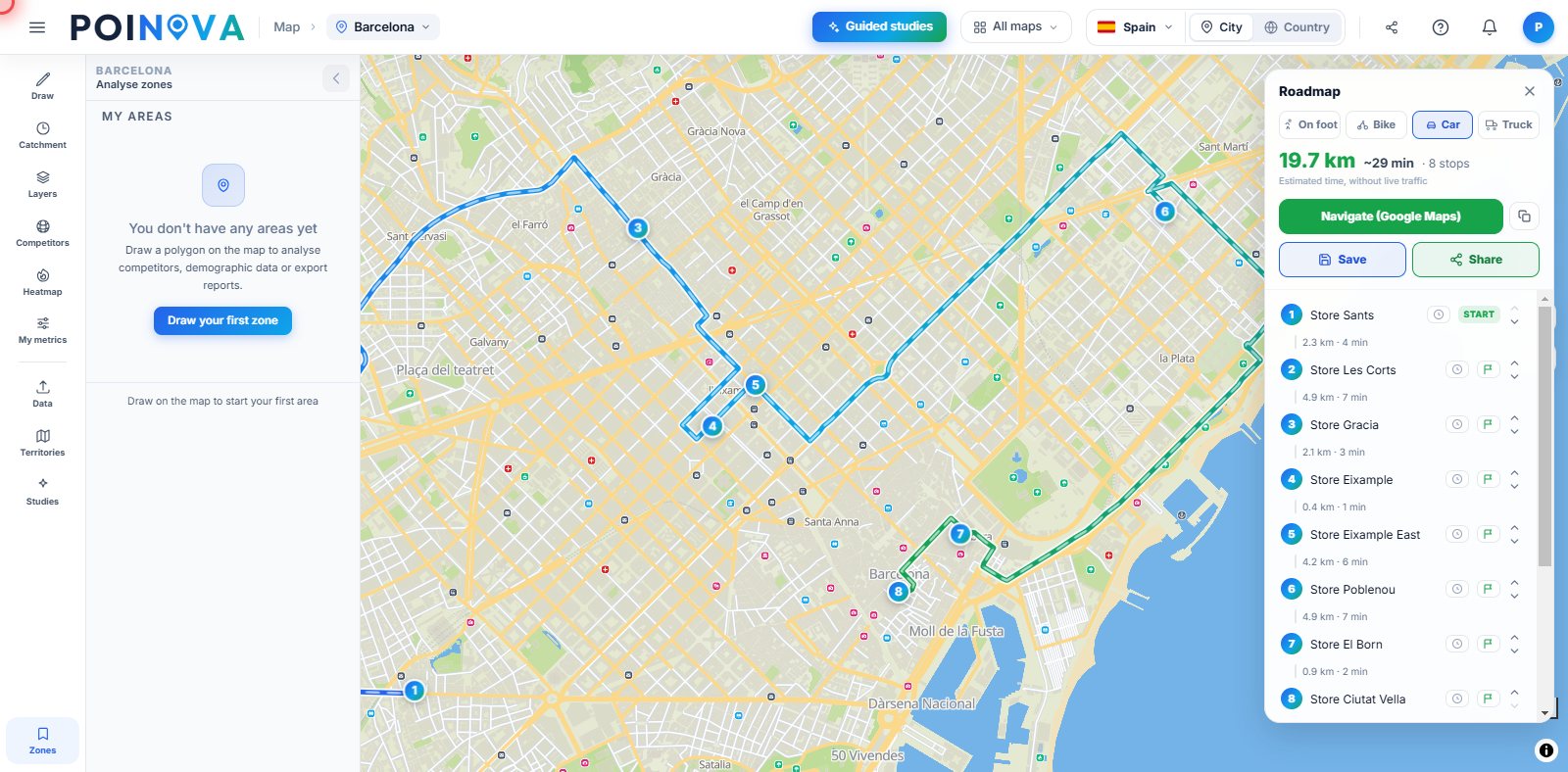
We put your unit visits in the shortest order on foot, by bike or by car, starting from the stop you choose and with an arrival time at each one, and you can take the route with you as a GPX file or share it through a link that opens without an account. Several area managers? We split the stops between them, each with their own route already in order.
Start free and upgrade when you need to. Each plan includes everything in the previous one.
Everything on this page marked Pro: NovaScore and 60+ indicators, the competitors in each market, territories with their status, your units on the map and where they overlap, the essential guided studies, PDF and Excel reports and the map shared through a read-only link. On the annual plan you can also follow the markets where you already have franchisees, and every Monday we let you know if anything has opened or closed there.
Routes to visit the network, split between your area managers; the “Second premises without cannibalisation” study; twin areas of your best units; a heat map of your own units, weighted by one of your columns such as revenue; merging or subtracting areas; and custom metrics. On the annual plan we also email you when a figure in a market you follow crosses the threshold you set, and you can see how each area has changed over time.
Area and guided study PDF reports carry your logo and colours: the pack you give a prospective franchisee goes out under your brand, not ours. It includes everything in Advanced on the annual plan, plus more users from your own domain, each with their own account. Annual billing only.
| POINOVA | Corporate location platforms | Traditional consulting | |
|---|---|---|---|
| Detailed official data | Yes, and sourced (in full from Pro) | Depending on the plan | Depending on the project |
| Get started | On your own, no sales rep | Demo and sales | Meeting and proposal |
| Getting the result | In minutes | Days | Weeks |
| Price | Public, with a free plan | Depending on the provider | Depending on the project |
| GDPR · servers in the EU | Yes | Varies | Varies |
Indicative comparison by product category, not by specific brands.
Start free, analyse your first market and decide your next opening with data from official and open sources.
Try for free