See who lives in each neighbourhood, find where your audience is concentrated and launch local campaigns backed by official data, not guesswork.
Free, no card needed: see who lives in each area and draw your campaign area. The campaign study with postcodes on Pro; customer lookalikes on Advanced.
Who lives in each neighbourhood, where your audience is concentrated, how far your campaign reaches and how you present it to your client or senior management.
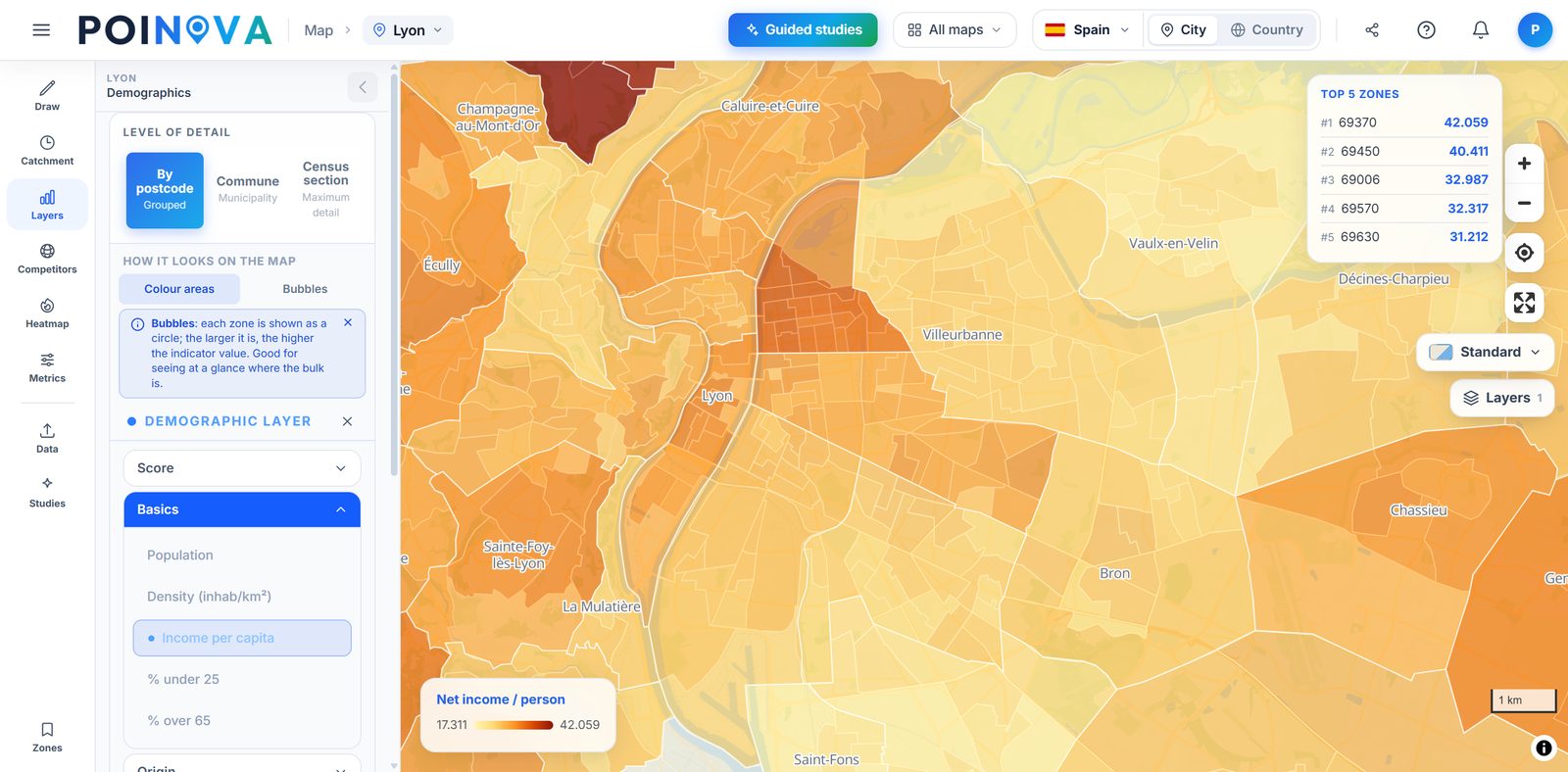
Shade the map by population, density, income and the share of young and older residents, neighbourhood by neighbourhood or at the finest level each country publishes. That way you see where your audience is concentrated before you spend anything on the campaign. On the Pro plan you also get education, households and the rest of the 60+ indicators.
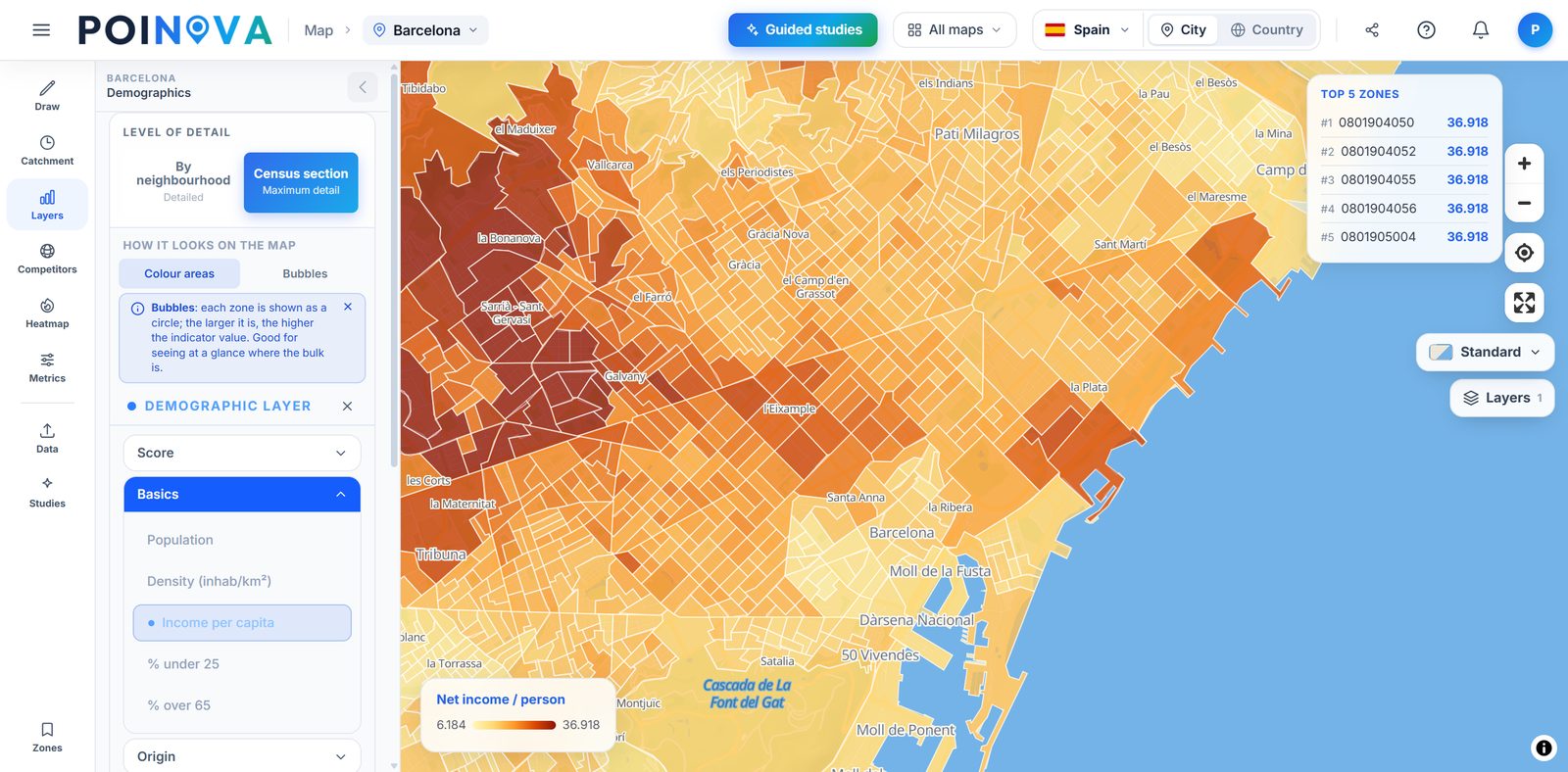
Upload your customer list and we look at which neighbourhoods they live in and what those neighbourhoods are like: income, age and education, among other things. Then, in the city where you have the most customers, we rank the neighbourhoods with a similar profile where you have none yet. That is where your next campaign goes.
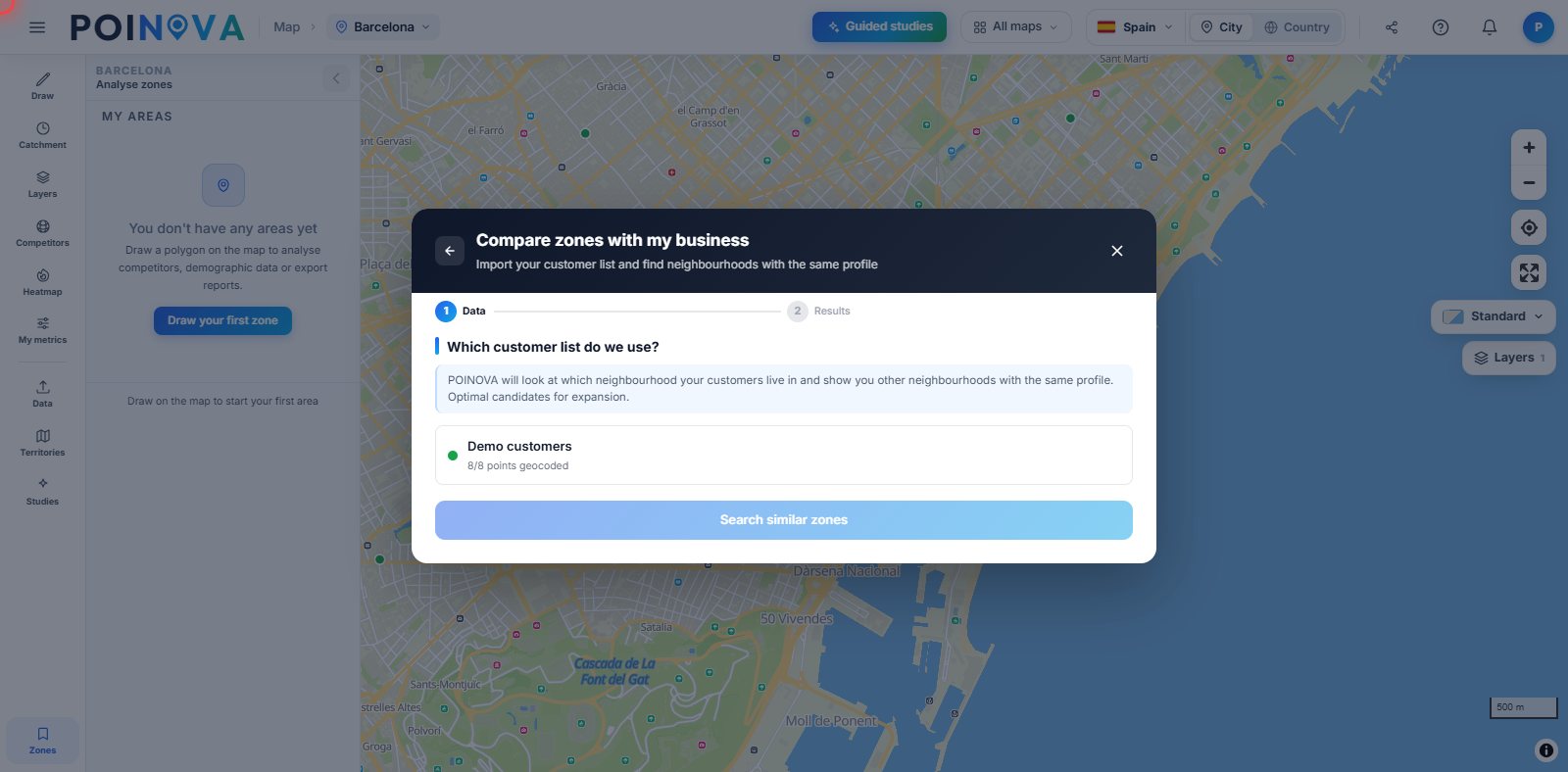
In the “Where to launch the campaign” guided study you choose who you want to reach (over-65s, young people or high earners, for example) and we rank the city's neighbourhoods by how concentrated that audience is. You download the top 15 to Excel, with their postcodes where available and how many people in your audience live in each one, ready for your leaflet distributor, your agency or your ads.
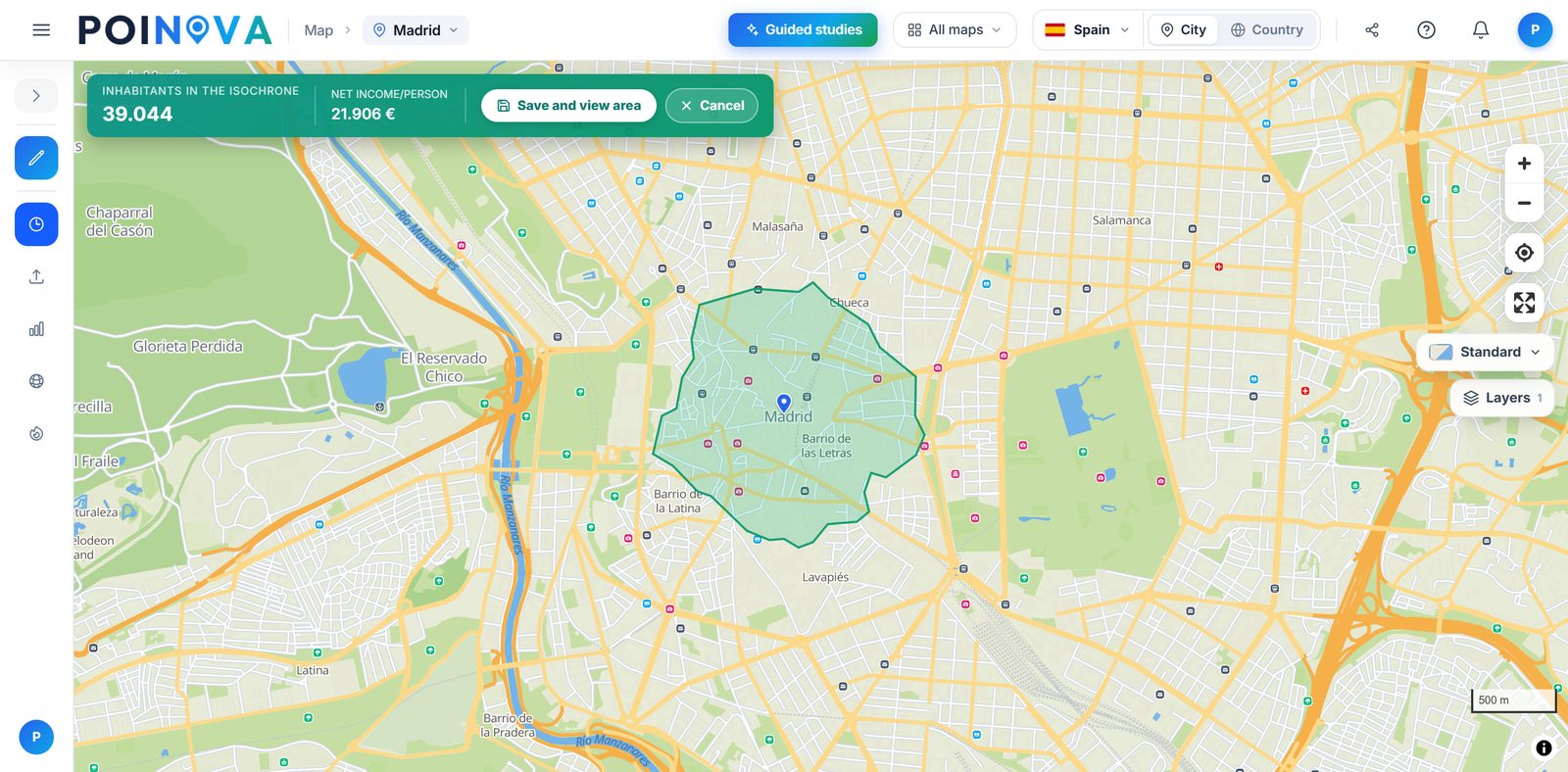
Mark your premises, choose walking, cycling or driving and the number of minutes, and we draw how far you can get, how many people live inside and their income per person. That way you keep your leaflet drops and local ads to the people who can actually reach you. On the Advanced plan you can also merge two areas or subtract the part another of your sites already covers.
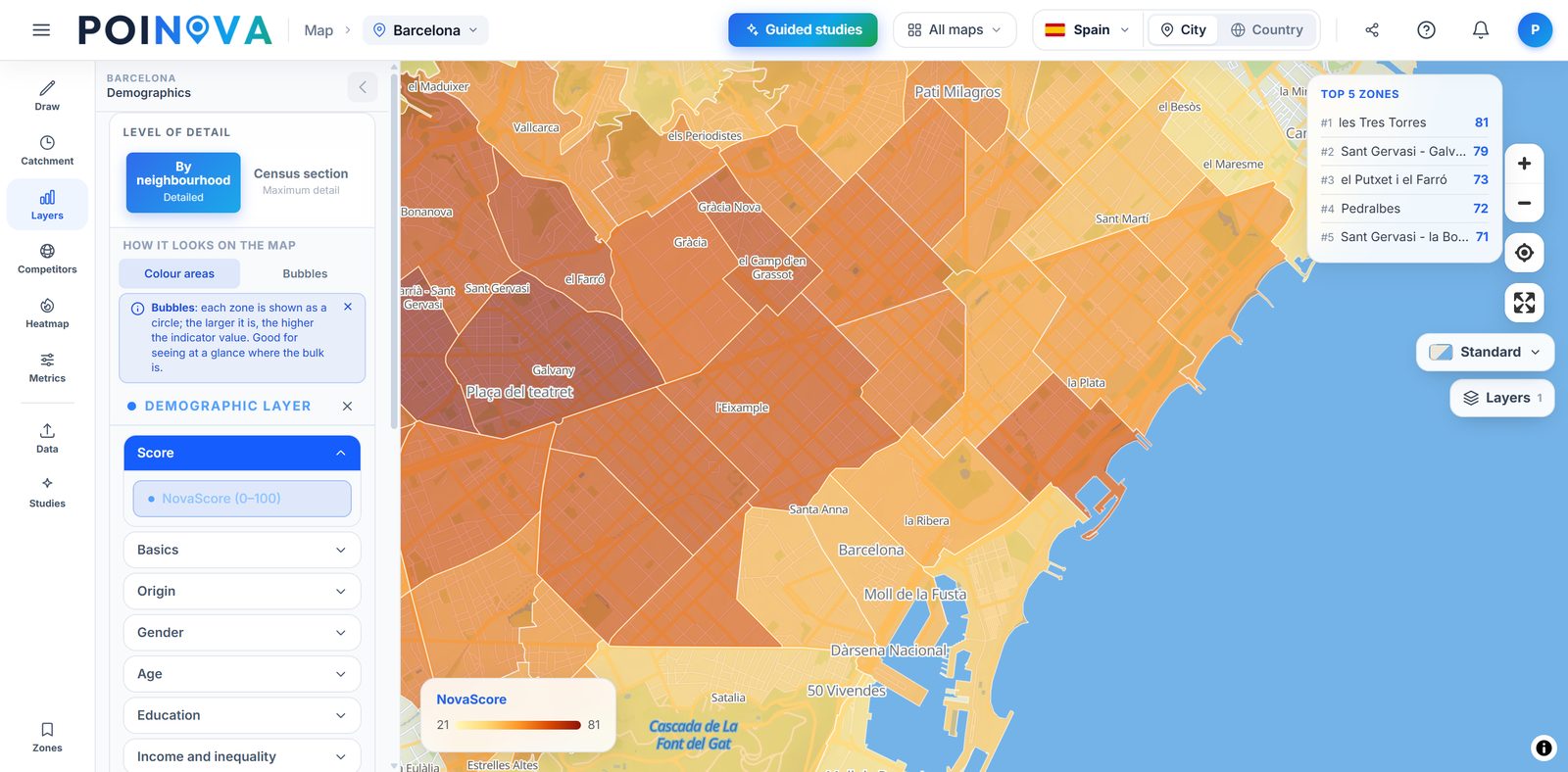
Shade the map with the NovaScore, a 0 to 100 score that sums up each area's conditions from income, higher education and density. In each area's panel you tune it to your type of business and see where every point comes from, so you can decide where to start the campaign using the same yardstick. It measures conditions; it does not predict sales.
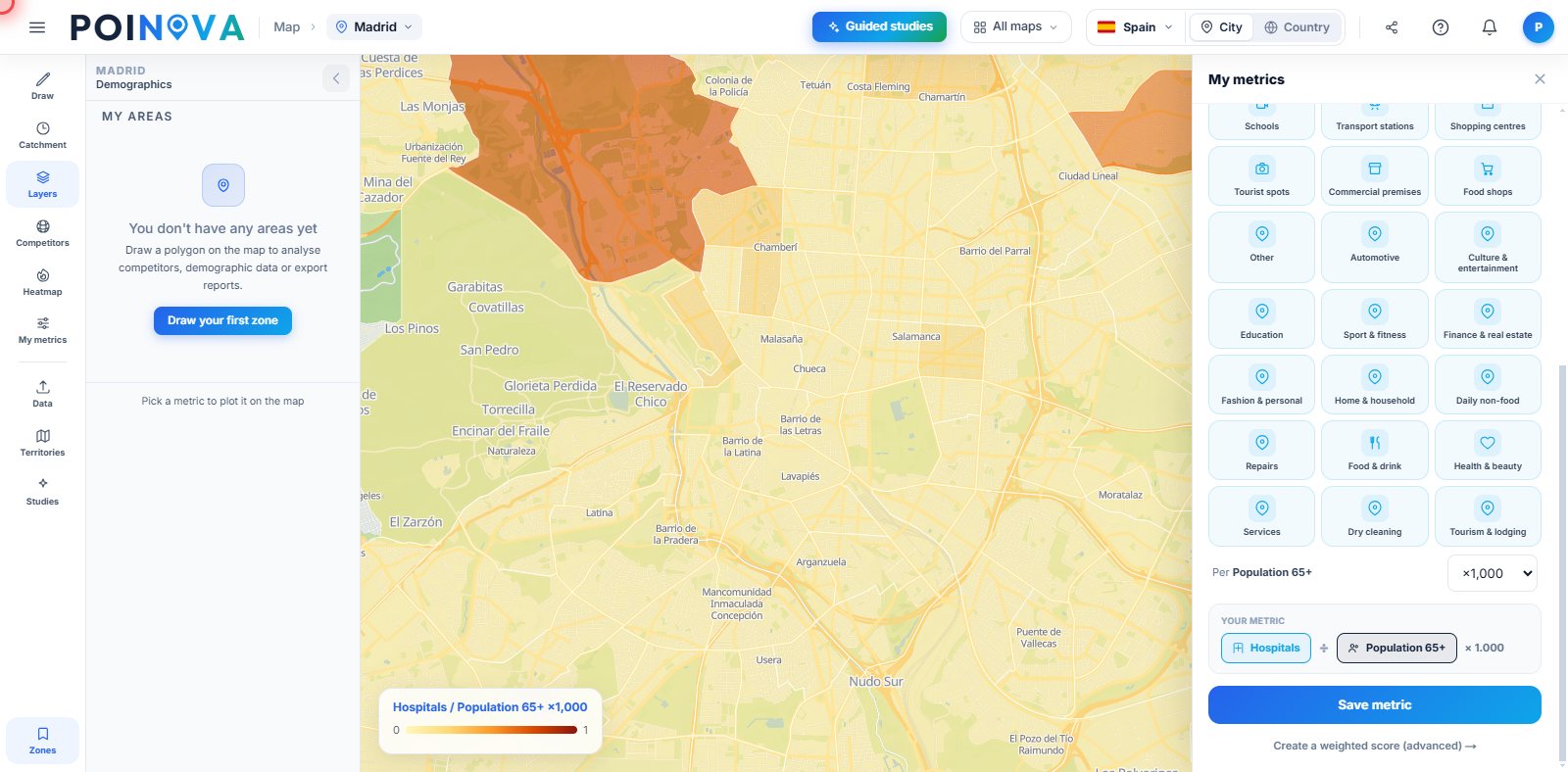
Cross your customers, your sites or the businesses in a category with each area's data and build your own indicator, such as customers per 1,000 residents. You see where you are under-represented and where to push the campaign harder. If you prefer, you build your own score with the factors and weights you choose.
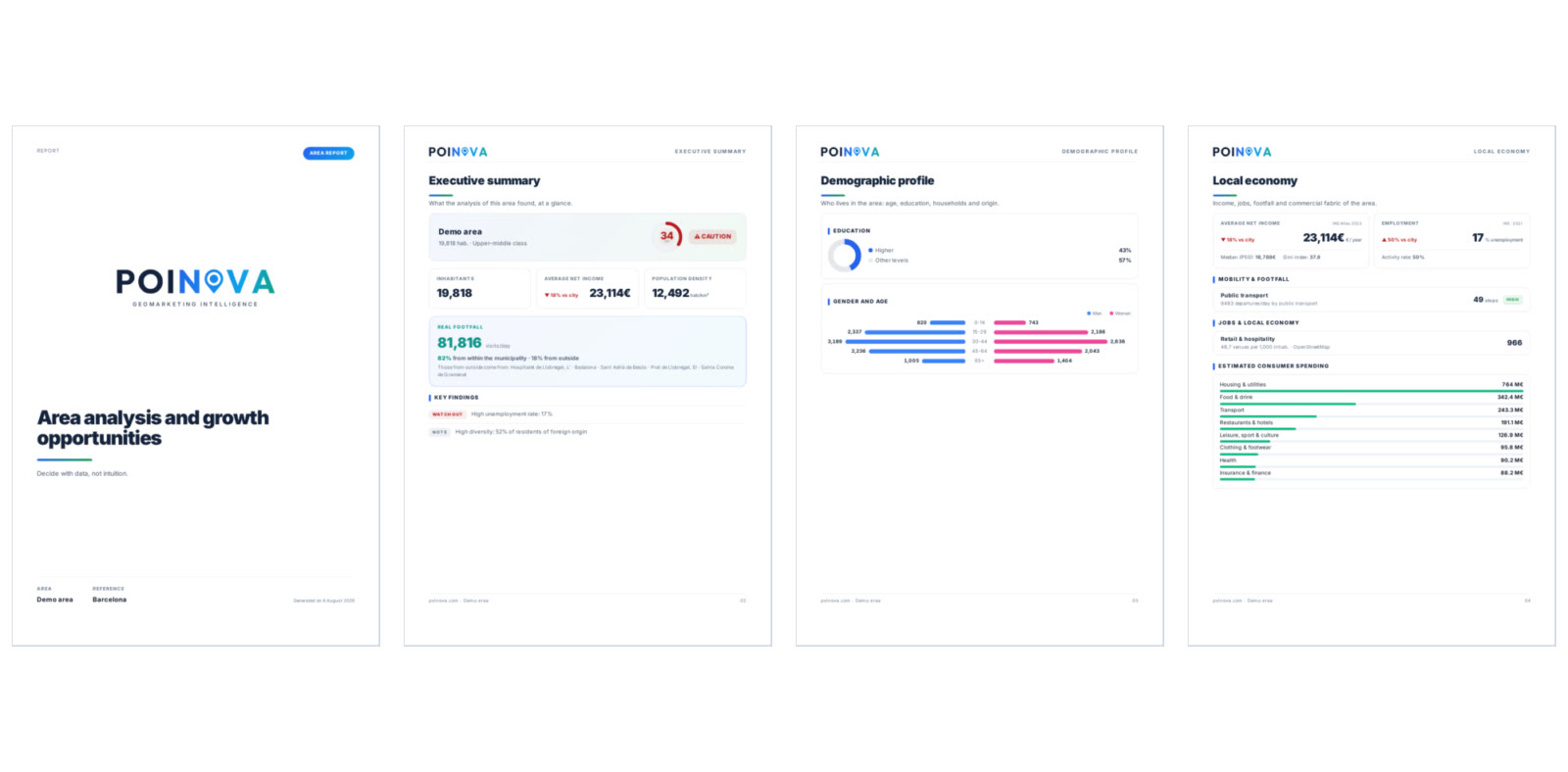
Download each area's report as a PDF, with a cover, a summary and the population profile, or its data in Excel. Share the map through a read-only link, password-protected if you like, that anyone can open without an account. On the Enterprise plan, area and guided-study PDF reports also carry your logo and colours.
Start free and upgrade when you need to. Each plan includes everything in the previous one.
The “Where to launch the campaign” study, with each neighbourhood's postcodes where available; NovaScore and 60+ indicators; competitors in every area; area comparison; your customers on the map; map sharing by link; and PDF and Excel reports. On the annual plan you can also follow your areas, and on Mondays, whenever something has changed, we email you what has opened and closed there.
Customer lookalikes to find neighbourhoods like the ones your customers live in, custom metrics such as customers per 1,000 residents, merging or subtracting areas, a heatmap of your own sites and every guided study. On the annual plan we also email you when a figure in your areas crosses the threshold you set, and you can see the history of how they have changed.
Area and guided-study PDF reports carry your logo and colours, ready to hand to your client or senior management. It includes more users on the same email domain, each with their own account and every feature. Annual billing only.
| POINOVA | Corporate location platforms | Traditional consulting | |
|---|---|---|---|
| Detailed official data | Yes, and sourced (in full from Pro) | Depending on the plan | Depending on the project |
| Get started | On your own, no sales rep | Demo and sales | Meeting and proposal |
| Getting the result | In minutes | Days | Weeks |
| Price | Public, with a free plan | Depending on the provider | Depending on the project |
| GDPR · servers in the EU | Yes | Varies | Varies |
Indicative comparison by product category, not by specific brands.
Start free, no card needed: see who lives in each neighbourhood and draw the area of your next campaign.
Try for free